Actions Screen
View and manage all action items extracted from your recordings.
Overview
The Actions screen aggregates all action items from across your recordings in one place. Filter by status, owner, or source recording to find what you need.
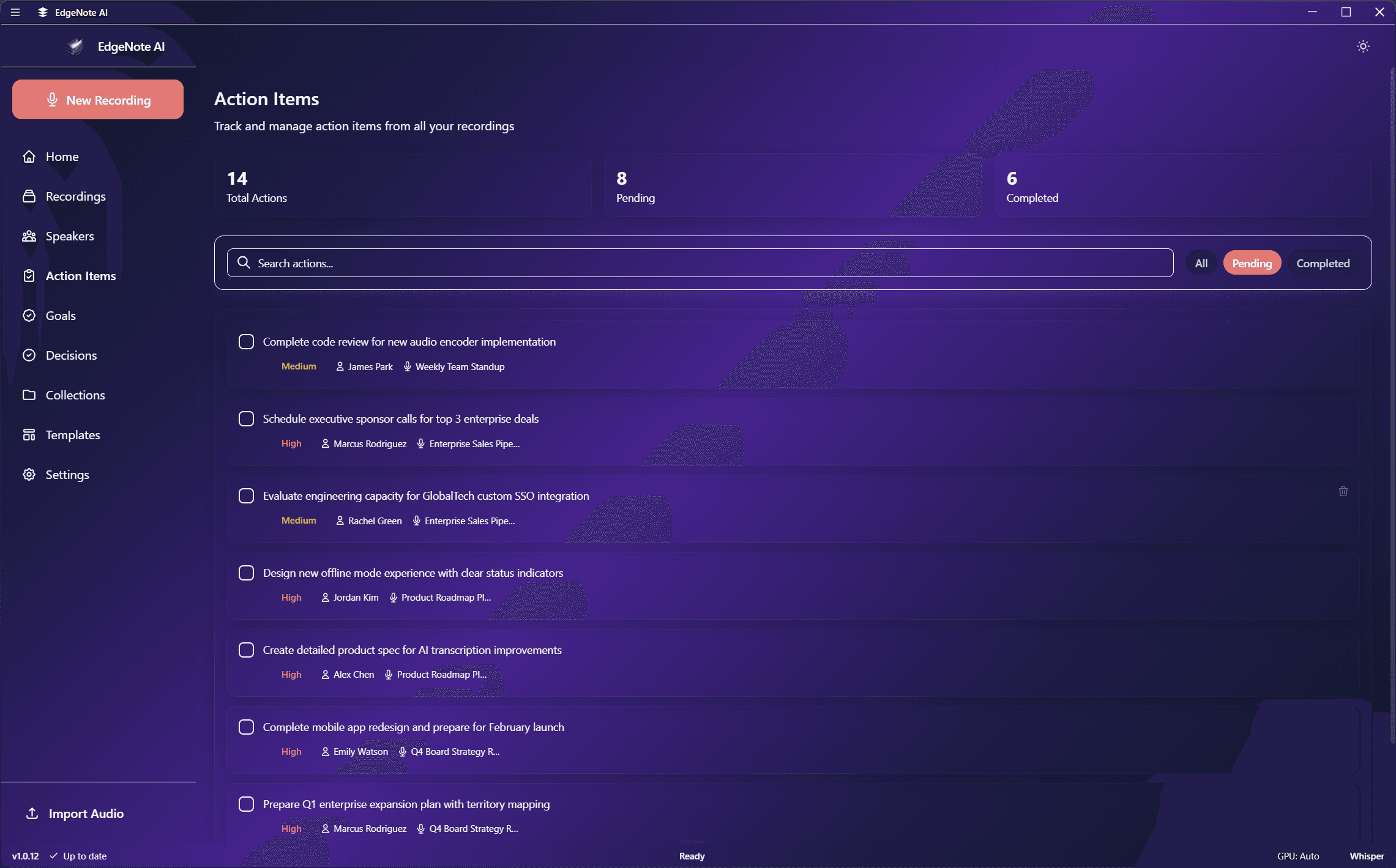
Action Item List
Each action item shows:
Send updated proposal to client
Assigned to: Sarah•Due: End of week
From: Weekly Team Sync (March 15)
Schedule user research sessions
Assigned to: Mike•Completed: March 14
From: Product Planning (March 12)
Filtering Options
Status
AllPendingCompleted
Owner
Filter by who is assigned the action
Recording
Show actions from a specific recording
Date Range
Filter by when the action was created
Actions
For each action item you can:
- Mark as complete/incomplete
- View the source recording and context
- Edit the action text or owner
- Delete if incorrectly extracted