Templates Screen
Manage summary templates for different recording types.
Overview
The Templates screen lets you browse, create, and manage summary templates. Templates control how EdgeNote AI structures your summaries.
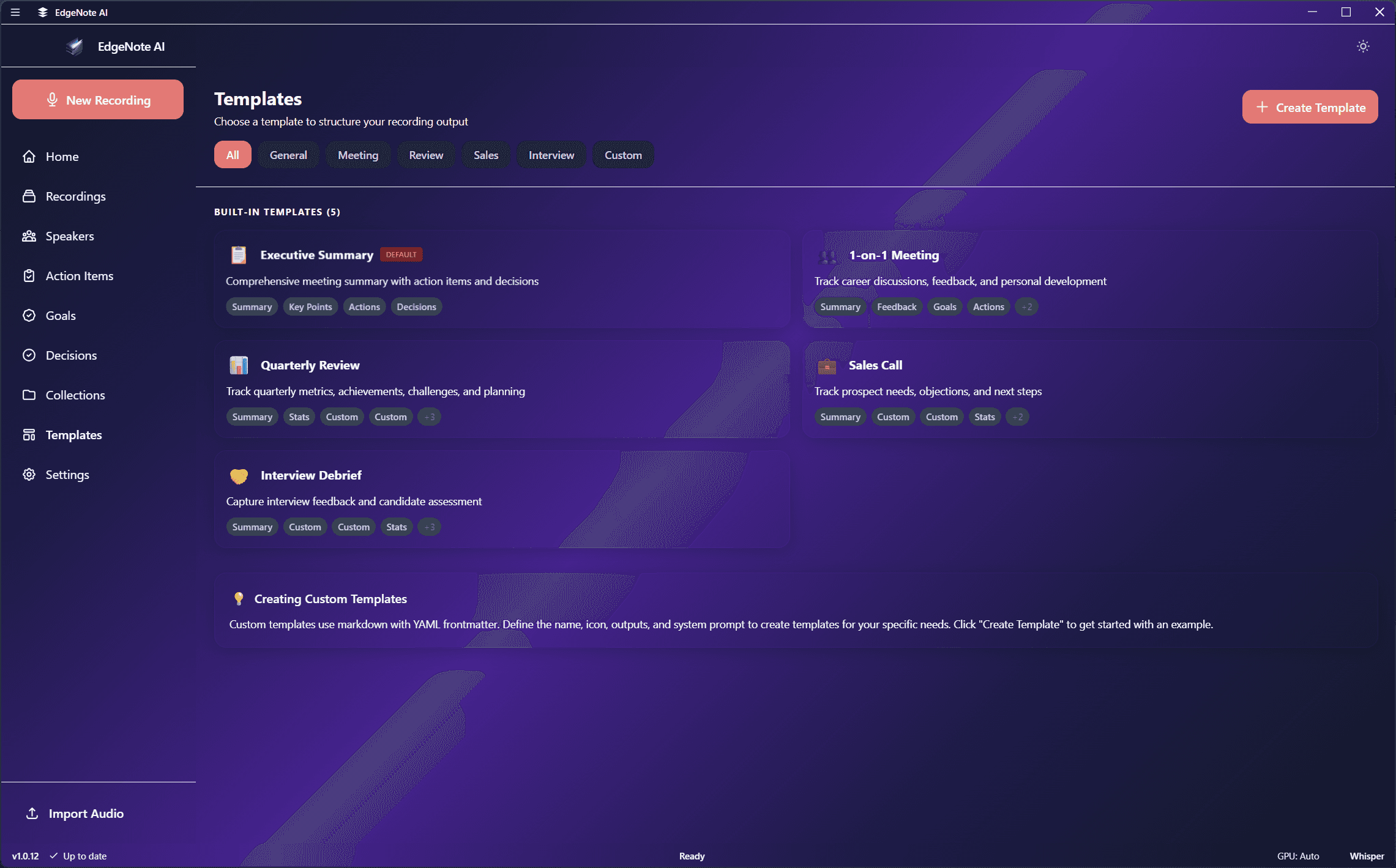
Template List
Templates are organized by category:
Built-in Templates
Meeting NotesDefault
Standard meeting summary format
Lecture Notes
Academic lecture format
Interview
Candidate evaluation format
Brainstorm
Ideas and discussion format
Custom Templates
Technical Interview
Coding assessment format
Sales Call
Lead qualification format
Template Actions
Set as Default
Use for all new recordings
Duplicate
Create a copy to customize
Edit
Modify template configuration
Delete
Remove custom templates
Creating Templates
Click "New Template" to create a custom template. The YAML editor lets you define:
- Template name and description
- Category for organization
- Custom output sections with prompts

Learn More
See Custom Templates for the full YAML format documentation with examples.