Home Screen
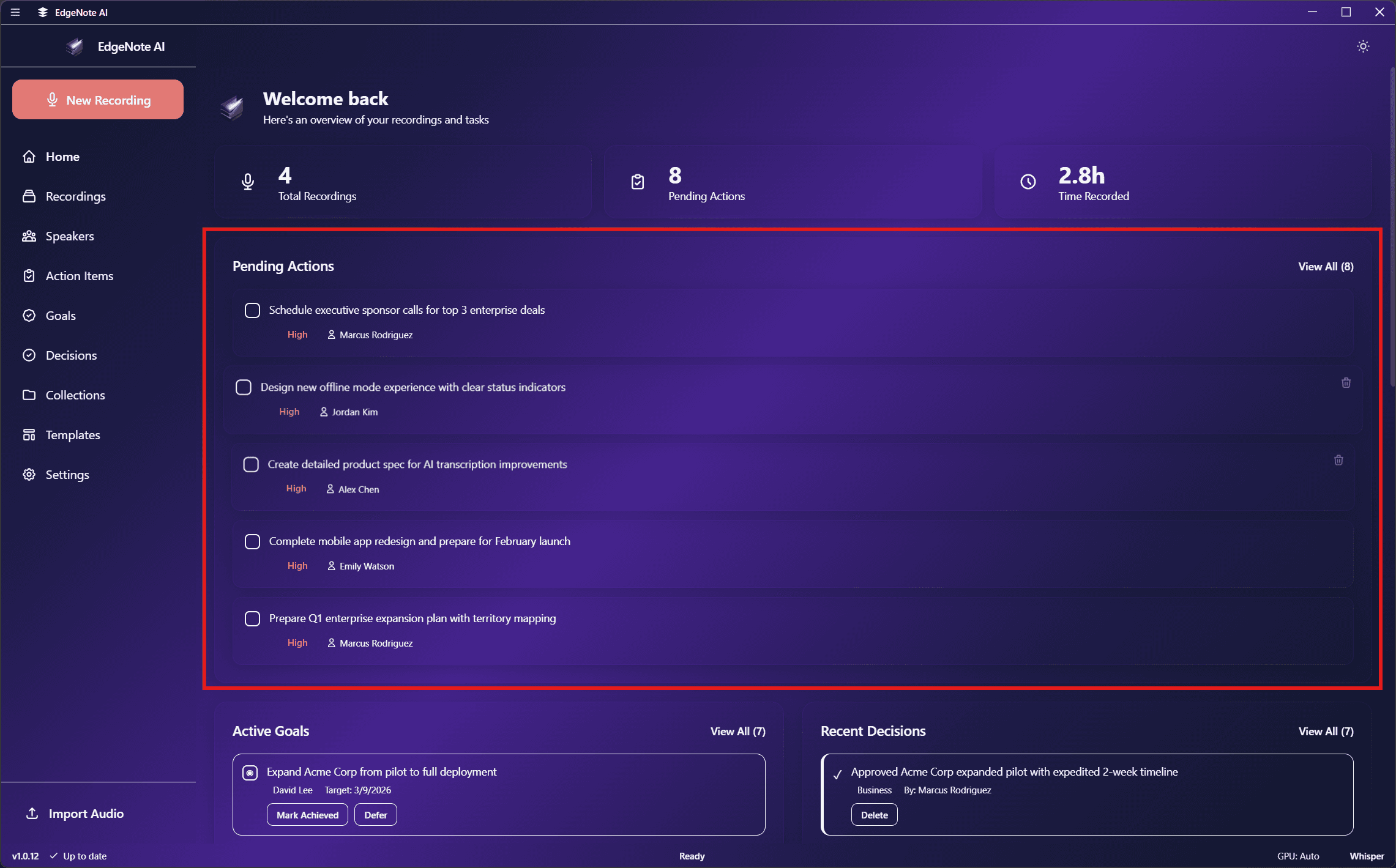
Your dashboard for quick actions, recent recordings, and pending tasks.
Overview
The Home screen is your starting point in EdgeNote AI. It provides quick access to start recording and shows important information at a glance.
Quick Stats
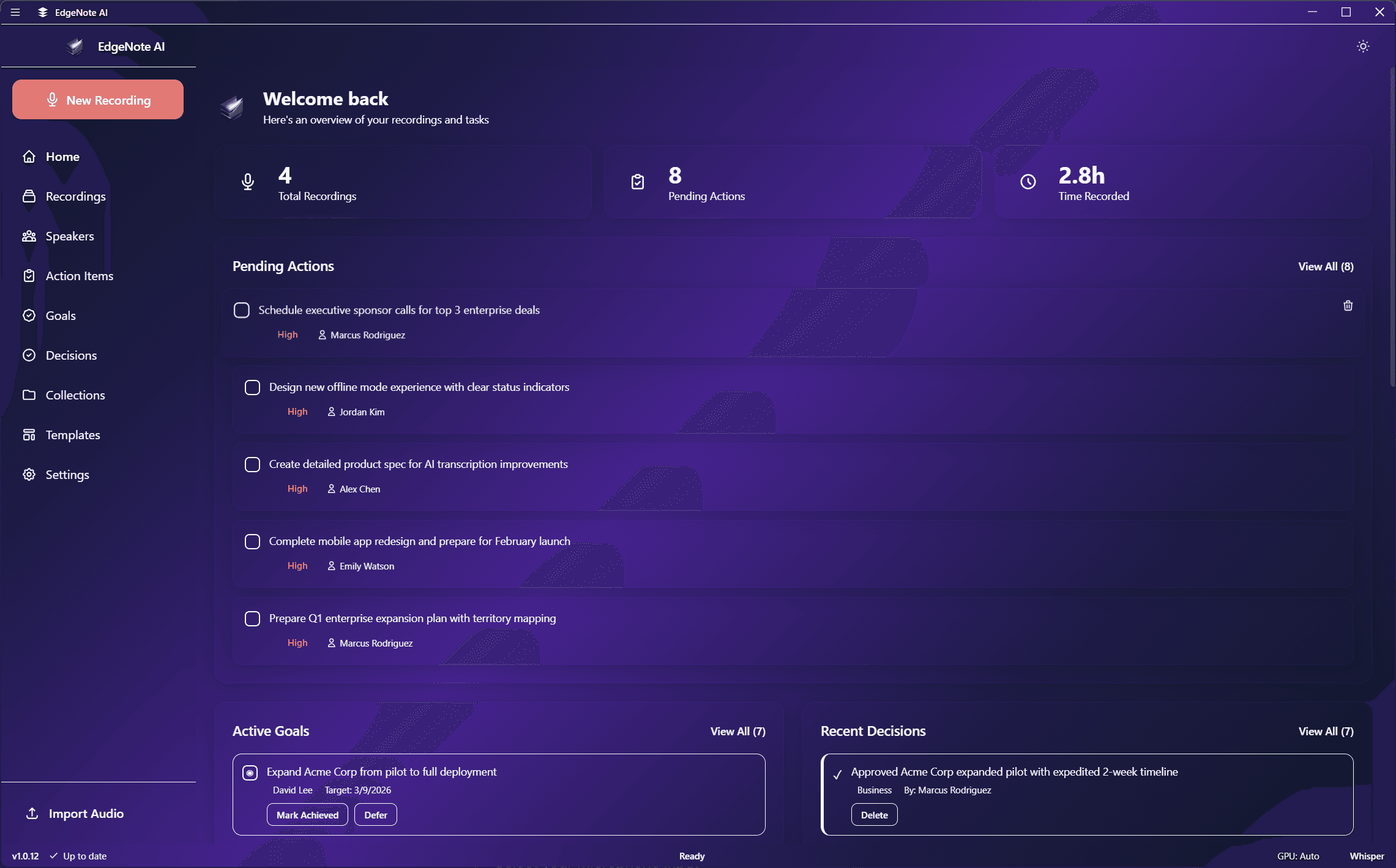
The top of the Home screen shows key statistics:
42
Total Recordings
18
This Week
5
Pending Actions
12h 34m
Total Duration
Record Button
The prominent record button in the center allows you to start a new recording with one click. Before recording, you can:
- Select your microphone input
- Enable/disable system audio capture
- Choose a summary template
Recent Recordings
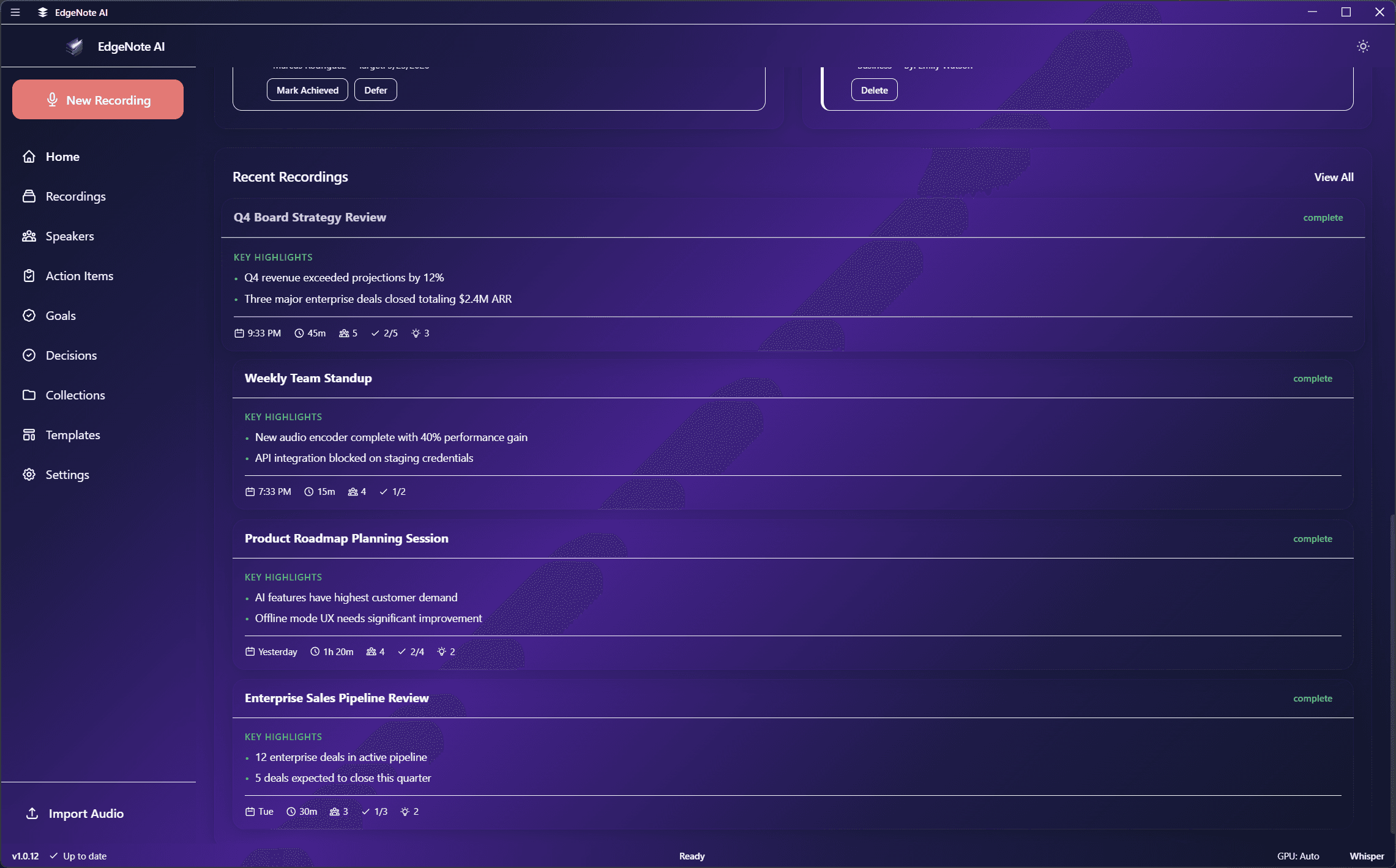
View your most recent recordings with quick access to their summaries. Each recording shows:
Weekly Team Sync
Today at 2:30 PM • 45 min
Discussed Q2 roadmap priorities, reviewed sprint progress...
Pending Actions
See action items that haven't been marked as complete. Click any action to view its source recording or mark it as done.