Collections Screen
Organize recordings into themed collections.
Overview
The Collections screen shows all your collections with recording counts and quick access to their contents.
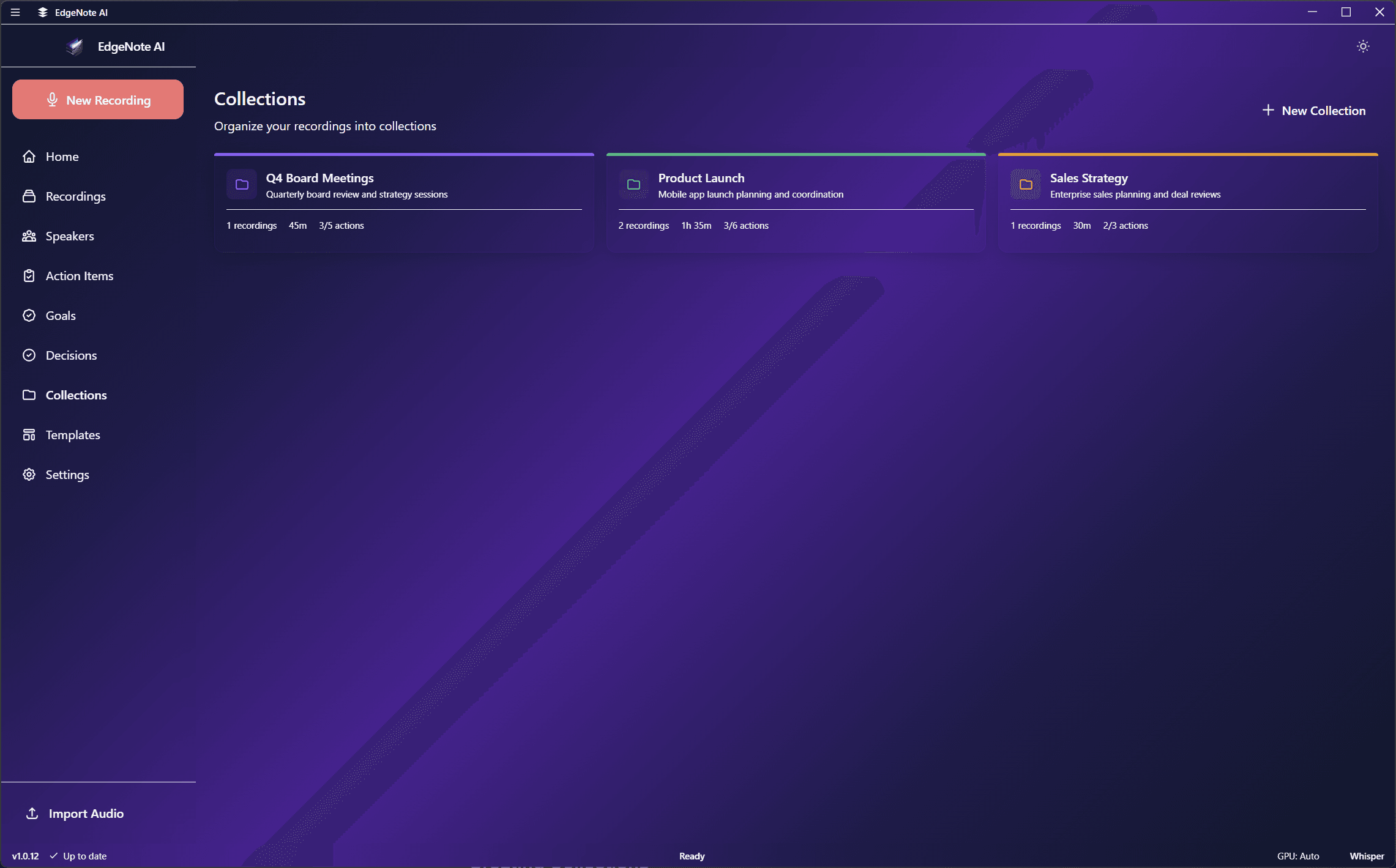
Collection Cards
Each collection shows:
P
Product Planning
12 recordings
Roadmap discussions, feature planning, and sprint reviews.
T
Team Syncs
24 recordings
Weekly team meetings and standups.
C
Client Calls
8 recordings
Client meetings and project updates.
L
Learning
6 recordings
Courses, webinars, and educational content.
Creating Collections
Click the "+" button to create a new collection:
NameDescriptive title
DescriptionOptional details
ColorVisual identifier
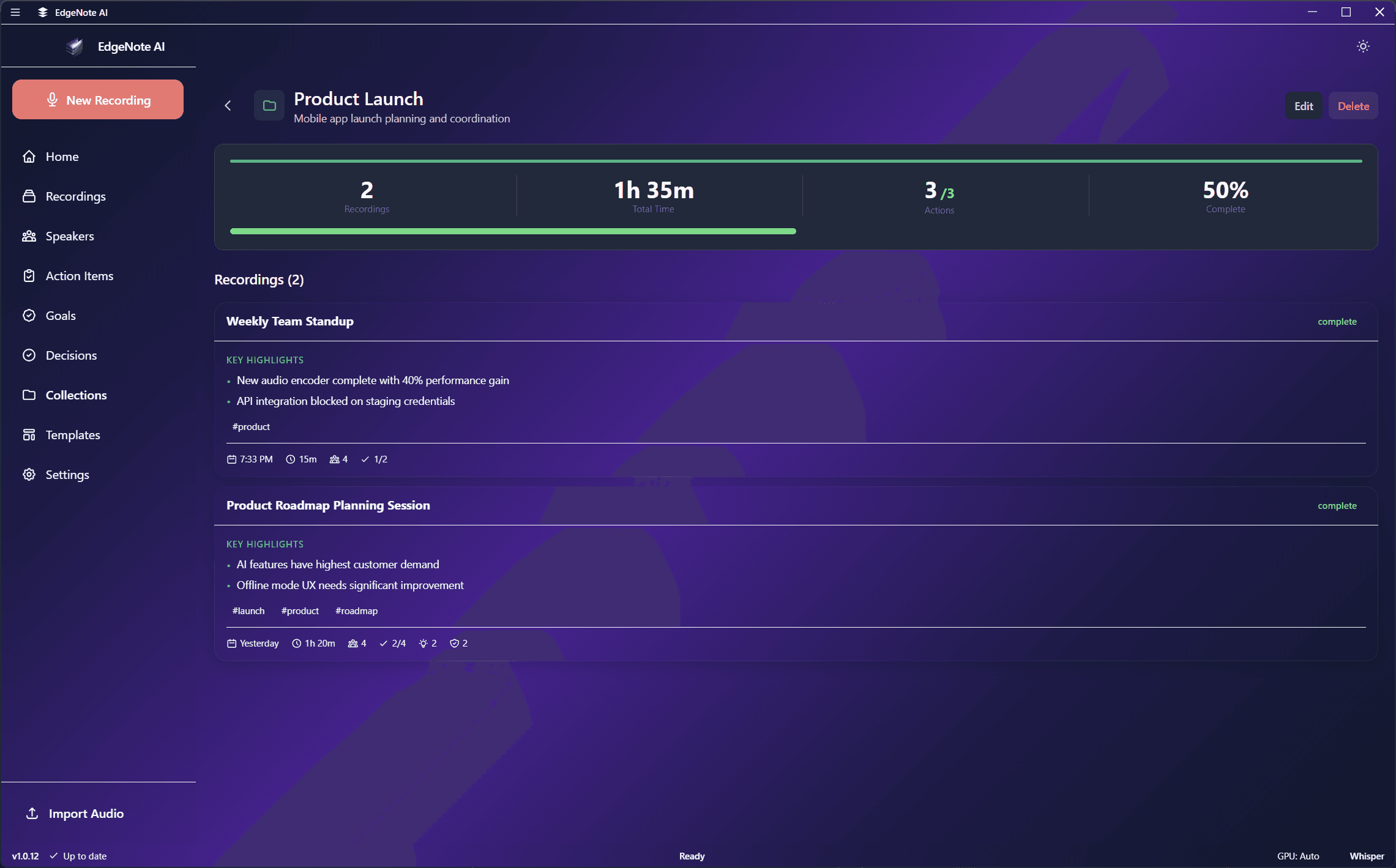
Collection Detail
Click on a collection to see all its recordings. The detail view includes:
- All recordings in the collection
- Search and filter within the collection
- Aggregate statistics (total duration, action items, etc.)
- Edit collection properties
Learn More
See Collections Feature for details on AI-generated tags, search, and organization features.